 FaysOrder
 / Catering
Order tracking for catering and group meals
Updated: November 10, 2026
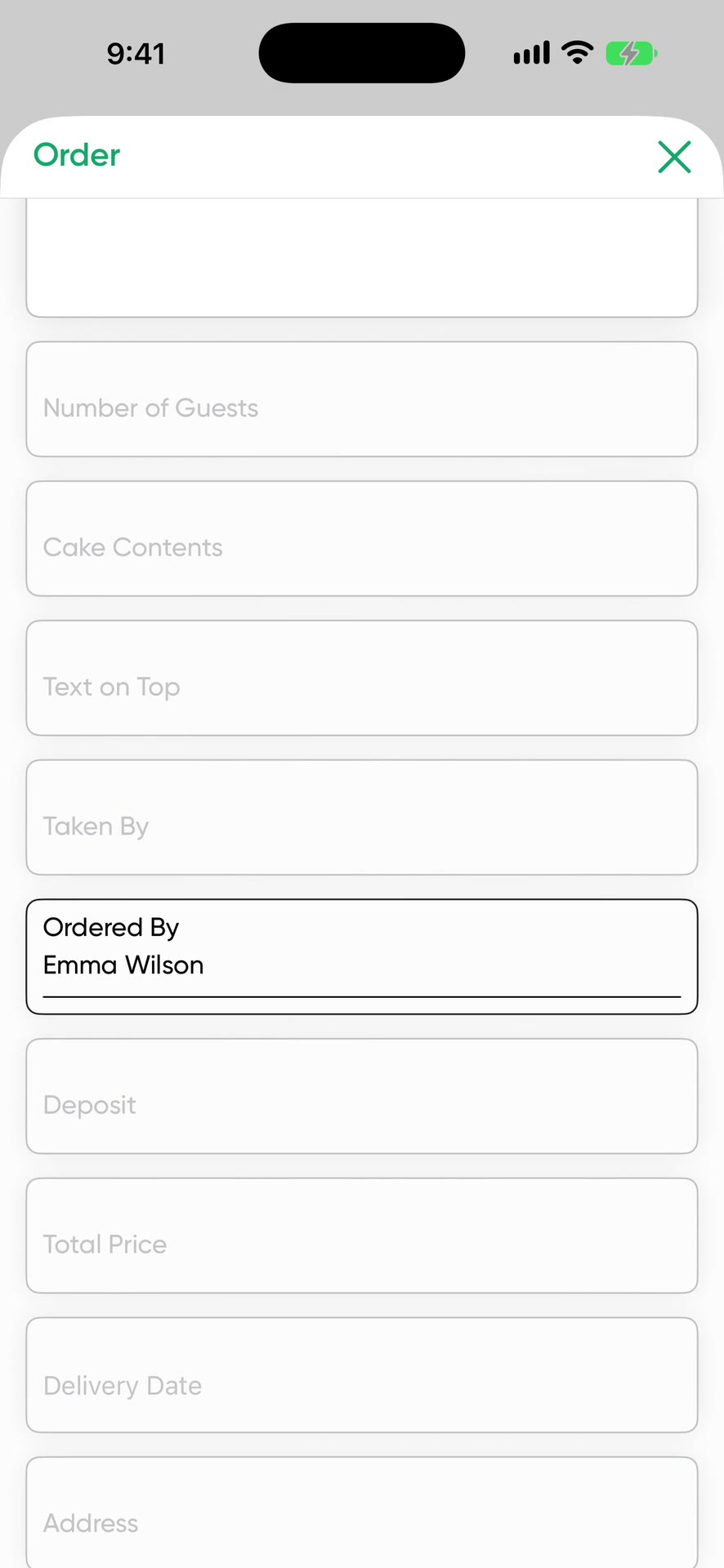
Pick Restaurant / Catering during setup and the order form comes with fields for menu details and number of guests. The delivery address, time and deposit are on the same card. FaysOrder is built for large orders booked ahead, and it has no table or check management.
What a catering order holds
- Customer and phone number
- Delivery address
- Menu and meal details
- Number of guests
- Total price and deposit received
- Delivery date and time
- Special notes: allergies, service, equipment
A sample catering order
- Customer
- An architecture office, (555) 000-0000
- Menu
- Lentil soup, chicken saute, rice, seasonal salad, rice pudding
- Guests
- 40
- Note
- 3 vegetarians, we bring the serving plates
- Price
- $1,200, $400 deposit received
- Delivery
- Friday 12:00 PM
- Status
- Pending
Update the card as the guest count and menu are confirmed. In the morning the kitchen checks the calendar to see which order feeds how many.
The week's load on one screen
The hard part of catering is that the guest count and menu change until the last day. The calendar shows how many guests you're feeding each day, and the home screen gives you the day's summary. The reminder rings the phone before delivery time. When weddings, company lunches and school events land in the same week, you see it ahead of time.
Kitchen and service team
A team member sees only the orders assigned to them and never sees prices. You can print the order form and pin it up in the kitchen, and its QR code opens the order in the app. The service team marks it Completed after delivery.
Menus that arrive by message
If the customer sent the menu and guest count by message, share it to FaysOrder. Order with AI puts the menu, guest count and delivery time into the right fields.
Price
Free to download, and your first 10 orders are free. After that it's a subscription. The App Store shows the current price for your country.
Order with AI uses credits. You get 1 a day for free, 30 a week on the weekly plan or 100 a month on the yearly plan. Unused credits don't carry over. One credit reads up to 50 messages. Extra packs of 100, 300 and 1,000 credits don't expire.
Frequently asked questions
Does it handle restaurant tables and checks?
No. FaysOrder is for orders booked ahead: catering, large meal orders, packaged menus. It has no tables, checks or register.
What if the guest count changes?
Open the order card and update the guest count and amount.
Where do I write an allergy note?
Use the order's note field. You can also add a separate field to the form called Allergy.
Download on the App Store