 FaysOrder
 / Tailor
Order tracking for tailors and workshops
Updated: November 10, 2026
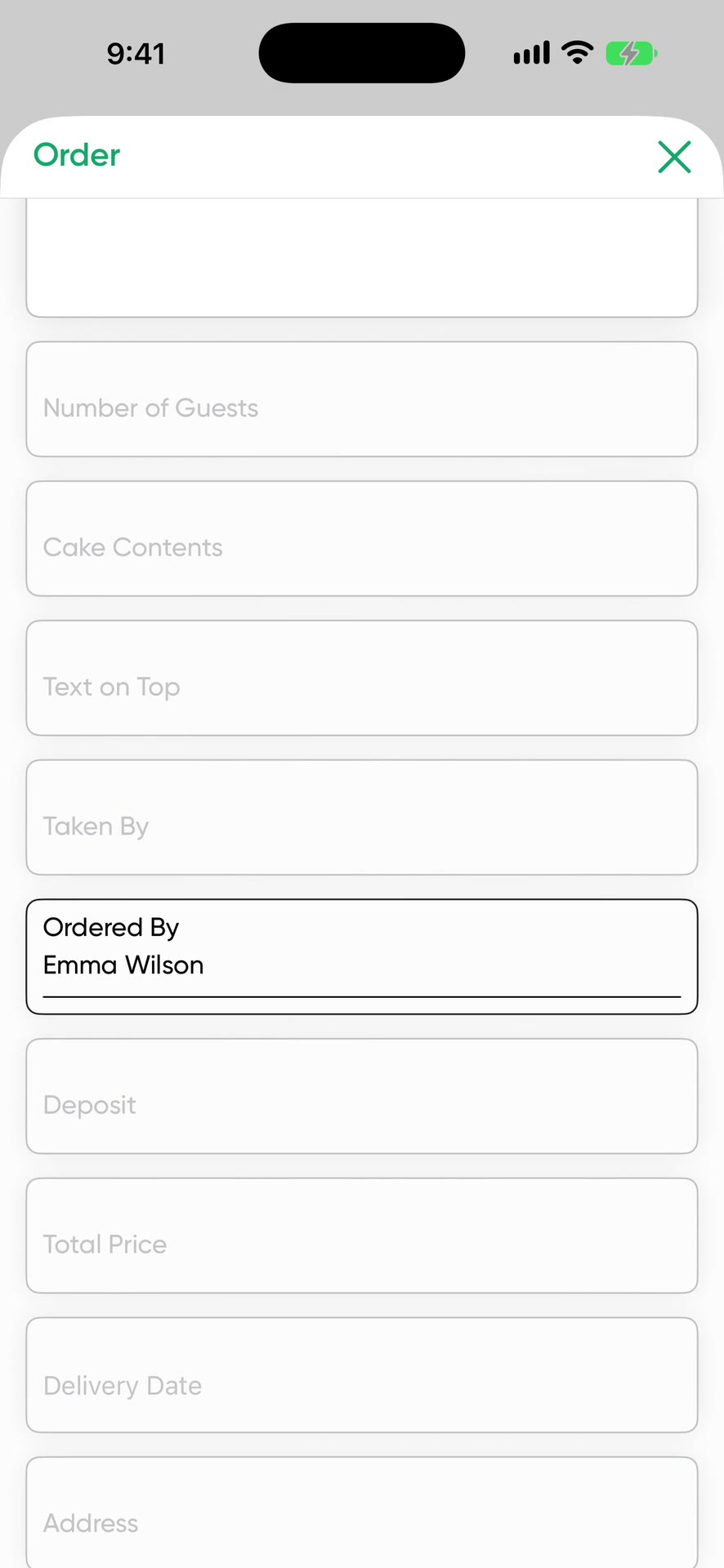
Pick Tailor / Workshop during setup and the order form comes with fields for garment type, measurements and alteration details. The fitting or delivery date and the deposit are on the same card. Your measurement book and alteration tracking live in one app.
What a tailoring or alteration order holds
- Customer and phone number
- Garment type
- Measurements
- Change details: hem, waist, sleeve, zipper
- Photo of the garment or fabric
- Total price and deposit received
- Delivery date
To keep something separate, such as a fitting date or who supplied the fabric, add your own field to the form as a date or text.
A sample alteration order
- Customer
- Anna D., (555) 000-0000
- Garment type
- Navy suit, trousers and jacket
- Measurements
- Inseam 40 in, waist 33 in
- Changes
- Shorten the hem, take in the jacket sleeve by 3/4 in
- Price
- $65, $20 deposit received
- Delivery
- Thursday
- Status
- Ready
When the customer comes in, search their name and the order card opens with the measurements.
Which job finishes when
Tailoring work piles up before holidays, in wedding season and when school starts. The calendar shows delivery days. The list shows who each job on the rail belongs to and what stage it's at: Pending, Preparing, Ready, Completed. Filter by Ready and you have one list of customers to call.
Tickets and tags
The order form prints on a regular printer in A6 and can be attached to the garment. Scanning its QR code opens the order in the app.
Alterations that arrive by message
If the customer sent measurements by message, share the message to FaysOrder. Order with AI separates the garment type, measurements and changes and fills in the fields.
Price
Free to download, and your first 10 orders are free. After that it's a subscription. The App Store shows the current price for your country.
Order with AI uses credits. You get 1 a day for free, 30 a week on the weekly plan or 100 a month on the yearly plan. Unused credits don't carry over. One credit reads up to 50 messages. Extra packs of 100, 300 and 1,000 credits don't expire.
Frequently asked questions
Can I save my customer's measurements?
Yes. The Measurements field comes ready on the Tailor / Workshop form and takes long text, so you can list several measurements.
Can I print a ticket for the garment?
Yes. The order form prints in A6 on a regular printer, and its QR code opens the order in the app.
Can I track the fitting date separately?
Yes. Add a date field to the form and name it Fitting.
Download on the App Store