 FaysOrder
 / Order book
Order book app: paper notebook, Excel and FaysOrder
Updated: November 10, 2026
A paper order book is fast, but you can't search it and it won't remind you. Excel is searchable but hard to fill in on a phone. An order book app does both jobs on your phone.
| Paper notebook | Excel | FaysOrder | |
|---|---|---|---|
| Search by customer | No | Yes | Yes |
| Delivery reminders | No | No | Reminder that rings like an alarm |
| Order status | Scribbles | Manual column | Pending, Preparing, Ready, Completed |
| Saving from a message | Written by hand | Copied by hand | Comes from the share menu |
| Team | One notebook | Shared file, prices visible | Team members don't see prices |
| If it's lost | Gone | Back if you made a copy | Back from an encrypted backup with your recovery code |
| Printing | Photocopy | Build a template | Four templates, A4, A5, A6 |
| Cost | Price of a notebook | License or free version | First 10 orders free, then a subscription |
When a paper notebook is enough
A notebook is enough if you take a few orders a day, deliver the same day and work alone. Things start getting lost when orders spread over later days, arrive by message and more than one person works the counter. An order taken weeks ago gets forgotten between pages, and when the customer calls nobody can find the page.
When Excel is enough
Excel works if you enter orders at a computer and don't need reminders. If orders reach your phone by message, moving each one to the computer is a separate chore. Sharing the file with a team member shares the price column too, and hiding it means keeping a second file.
What an order book app adds
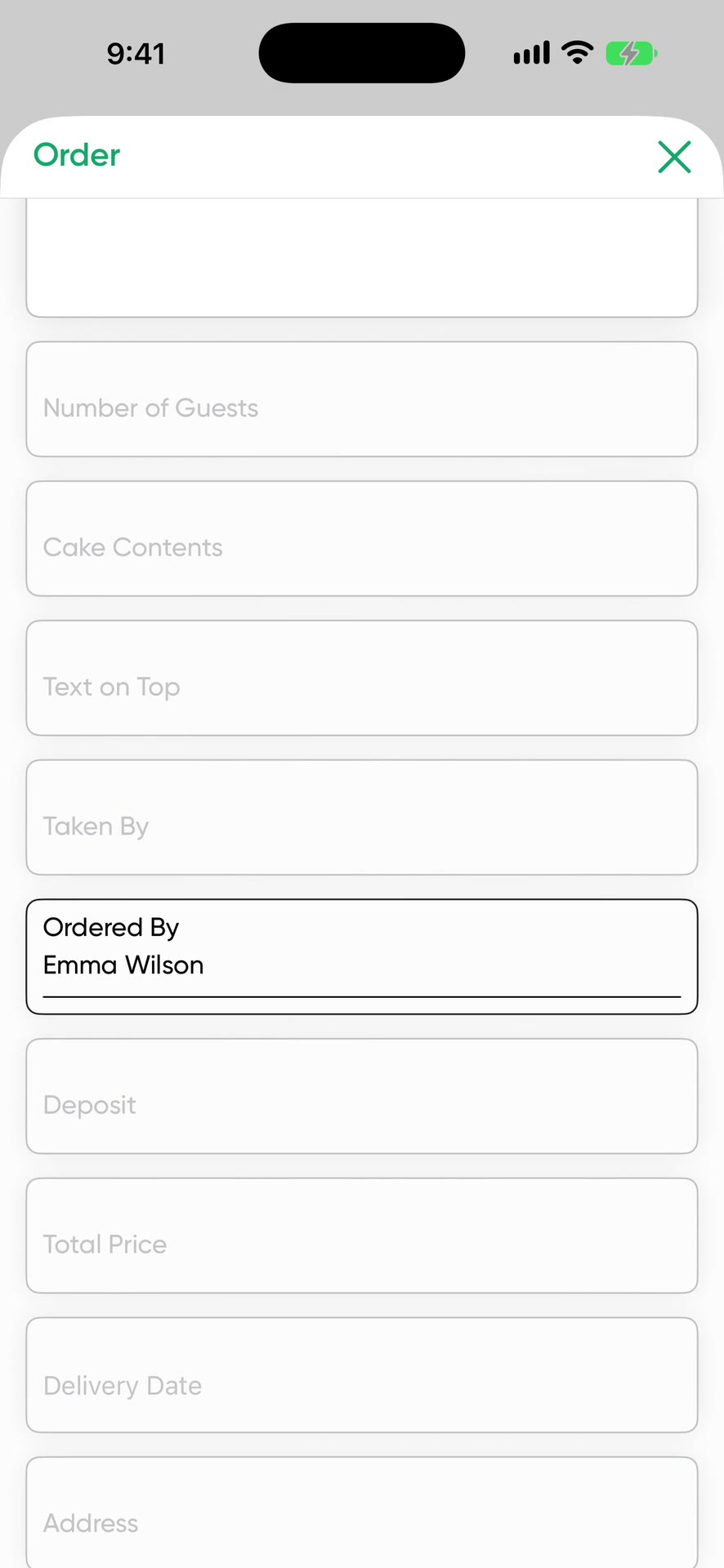
In the app every order is a card holding the customer, product, amount, deposit and delivery day. Cards appear as a list or a grid, you search them by customer name and filter by status. The calendar shows what's due each day. The phone rings like an alarm at the time you set for a reminder.
During setup you pick your business type: bakery, florist, tailor, restaurant and catering, or other. The order form comes with fields for that type, and you can add any field you like. Orders are backed up to the cloud with encryption. On a new phone they come back with your recovery code. We can't open the backup unless you allow it. Order photos and team copies are outside this encryption.
Moving from notebook to app
- Download FaysOrder from the App Store and pick your business type.
- Enter the open orders in your notebook, the ones not delivered yet. Old completed orders can stay where they are.
- Set reminders on orders due soon.
- Use it next to the notebook for a week. Write each new order in the app first.
- If you have team members, invite them and assign orders to them.
Your first 10 orders are free, so you don't need to pay to try it.
Price
Free to download, and your first 10 orders are free. After that it's a subscription. The App Store shows the current price for your country.
Order with AI uses credits. You get 1 a day for free, 30 a week on the weekly plan or 100 a month on the yearly plan. Unused credits don't carry over. One credit reads up to 50 messages. Extra packs of 100, 300 and 1,000 credits don't expire.
Frequently asked questions
Is the order book app paid?
FaysOrder is free to download and your first 10 orders are free. After that it's a subscription, and the App Store shows the current price for your country.
Do I need to move my old orders over?
No. Entering the open orders that haven't been delivered is enough.
Is it on Android?
Not at the moment. FaysOrder runs on iPhone and iPad with iOS 16 or later.
Download on the App Store