 FaysOrder
 / Florist
Order tracking for florists
Updated: November 10, 2026
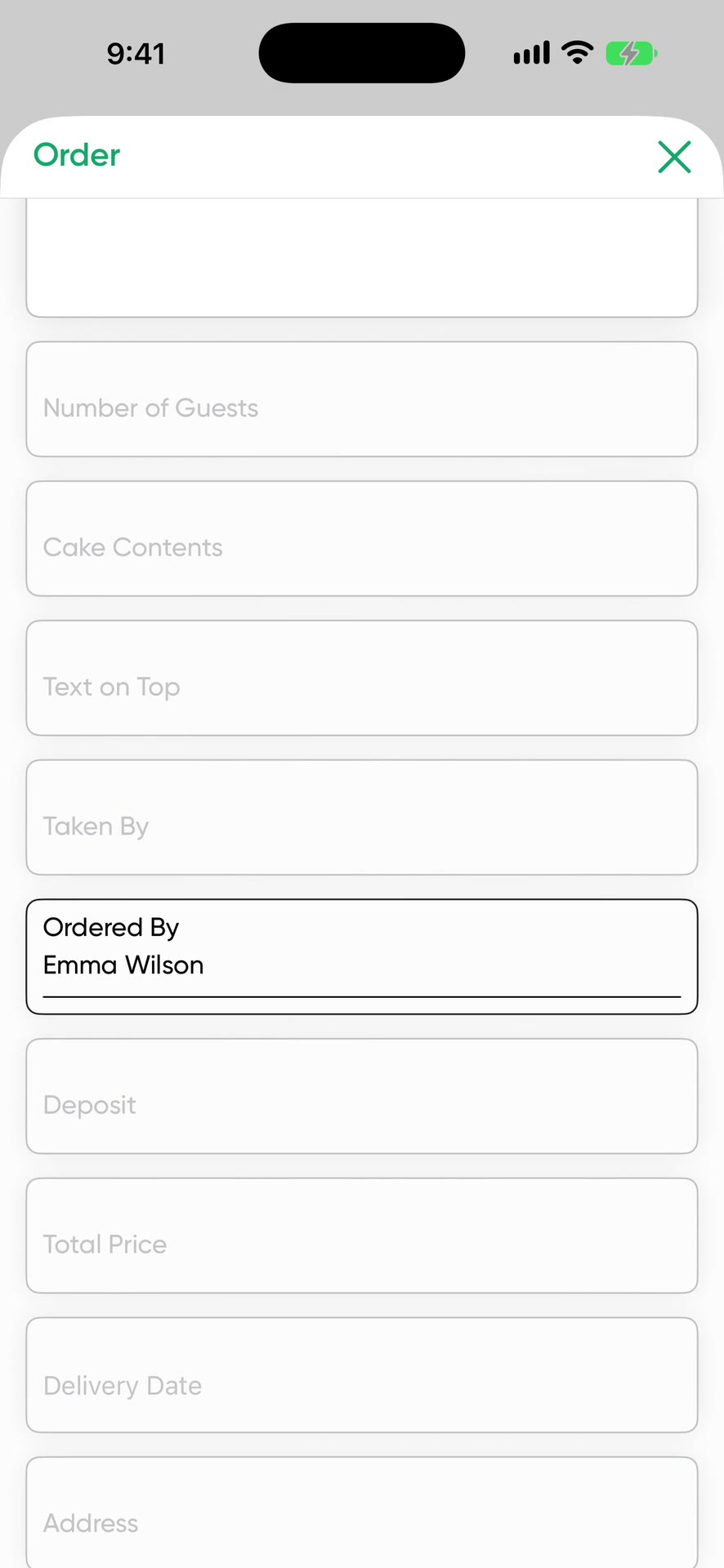
Pick Florist during setup and the order form comes with fields for flower type, arrangement description and ribbon message. The delivery address, date and deposit are on the same card.
What a flower order holds
- Customer and phone number
- Delivery address
- Flower type
- Arrangement description
- Ribbon message
- Sample photo
- Total price and deposit received
- Delivery date and time
If you want extra details such as the recipient's name or a note for the back of the card, add your own field to the form.
A sample flower order
- Customer
- Mark T., (555) 000-0000
- Flower type
- Red roses, 21 stems
- Arrangement
- In a box, with eucalyptus
- Ribbon message
- Happy anniversary
- Delivery
- February 14, 11:00 AM, an office downtown
- Price
- $120, paid in full
- Status
- Pending
This order sits on February 14 in the calendar. That morning, filter the list by status to see which bouquets are ready and which are still pending.
Keep busy days in order
The busiest days for a florist are Valentine's Day, Mother's Day, Teacher Appreciation Week and school graduation week. The calendar shows how many bouquets go out each day. Orders move through Pending, Preparing, Ready and Completed, and the list shows which ones are out the door. The reminder rings the phone before delivery time.
Flower orders that arrive by message
Send the customer's message to FaysOrder from the share menu. Order with AI pulls the address, ribbon message and delivery day from the text and fills in the form. Check the address and save.
Hand it to a courier or team member
A team member sees only the orders assigned to them and never sees prices. You can print the order form and put it next to the bouquet. Its QR code opens the order in the app, and the person delivering it marks it Completed from there.
Price
Free to download, and your first 10 orders are free. After that it's a subscription. The App Store shows the current price for your country.
Order with AI uses credits. You get 1 a day for free, 30 a week on the weekly plan or 100 a month on the yearly plan. Unused credits don't carry over. One credit reads up to 50 messages. Extra packs of 100, 300 and 1,000 credits don't expire.
Frequently asked questions
Where do I write the ribbon message?
The Ribbon Message field comes ready on the Florist order form.
Can I save the delivery address?
Yes. The delivery address stays on the order.
How do I see orders on busy days like Valentine's Day?
The calendar shows the orders due that day, and you can filter the order list by status.
Does the courier see the price?
No. A person you add to your team sees only the orders assigned to them, and prices are hidden from them.
Download on the App Store